
Forwarding UMS Mail
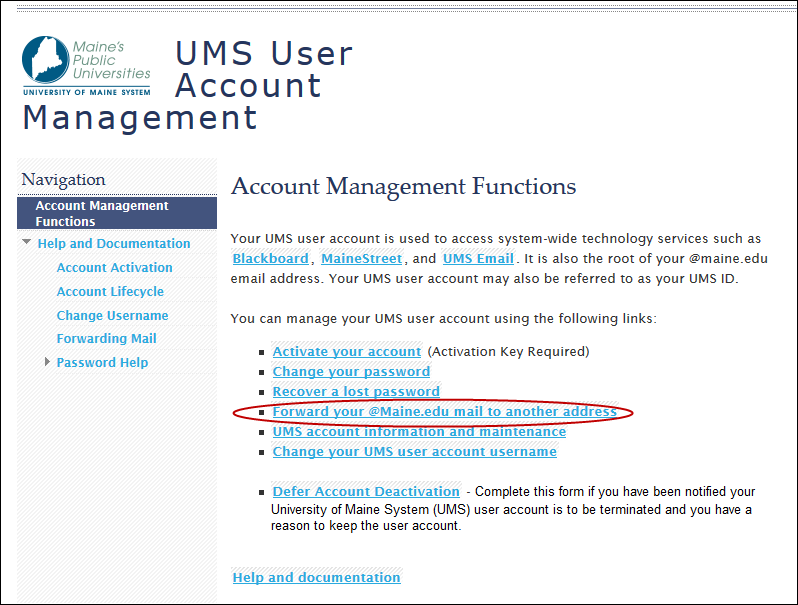
Step 1: Go to http://mail.maine.edu and Select the “Forward your @Maine.edu to another address” link.
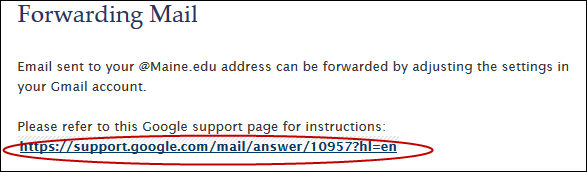
Step 2: Select the URL for Google Support
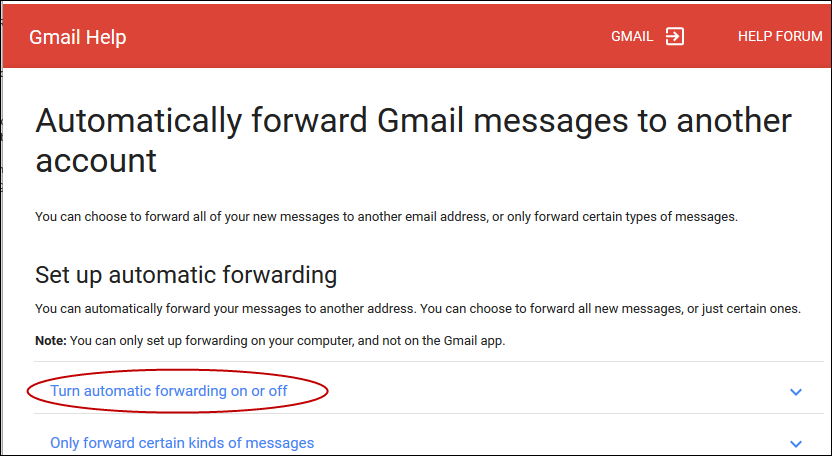
Step 3: Select the “Turn automatic forwarding on or off” link.
Step 1: Go to http://mail.maine.edu and Select the “Forward your @Maine.edu to another address” link.
Step 2: Select the URL for Google Support
Step 3: Select the “Turn automatic forwarding on or off” link.